For those who don't have Photoshop, Ilustrator or Inkscape there will always be the GNU Image Manipulation Program (GIMP). These days I was very determined to create the icons I use in one of my projects. After drawing few of them I found that actually the hard drive is one of those that requires a high level of details thus hard work. After few hours of drawing ellipses, lines, gradients, filtering colors, embossing layers and so on I've got the final result which I thought it could be nice to share it with you - the community (after all GIMP is created by community so let's give something. back).
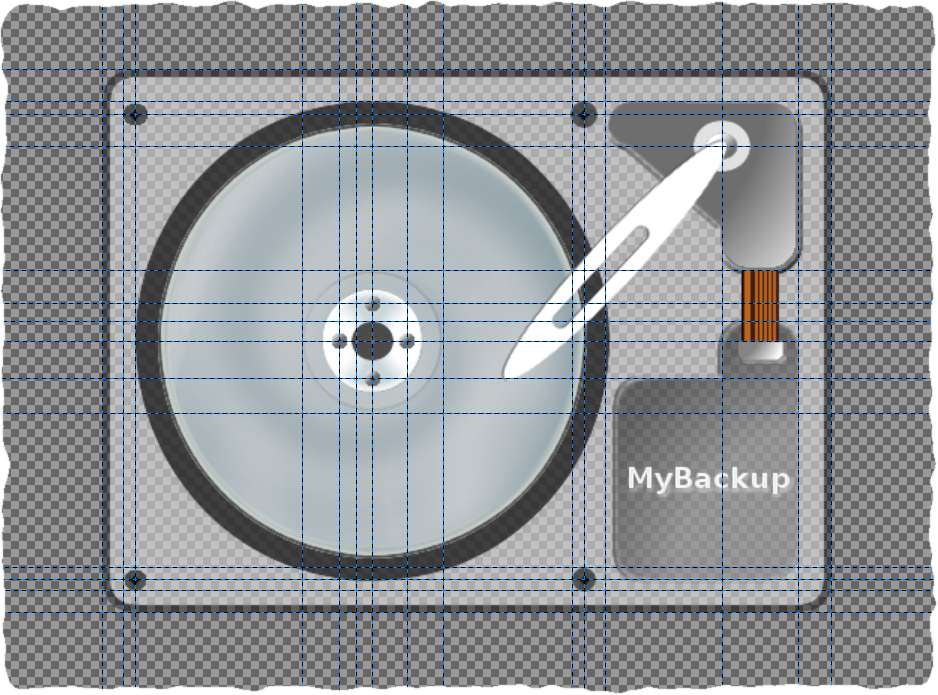
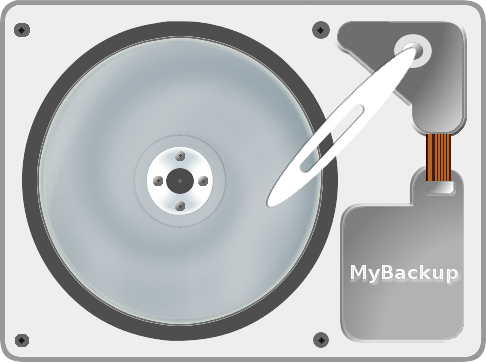
I am not going to show you how to create a hard drive icon in GIMP step by step as it would take (probably) more time to describe the steps than doing the work. The GIMP source .xcf file can be downloaded from here. It contains all the original layers, paths, etc so hopefully if you want to adjust it a little bit it won't require too much hassle from you. Feel free to use it in your projects, to change it, to distribute it, whatever you like. The final result looks like this:
Comments
No comments yet
Be the first to leave a comment.
Leave a comment